Pride and Prejudice
Chapter 1
Reader · Scanner · Editor · for Android
PDF, Word, Excel, e-books and more open in one place. Scan paper into clean pages, turn photos into text, edit and sign. No account, and your documents stay on your phone.
01
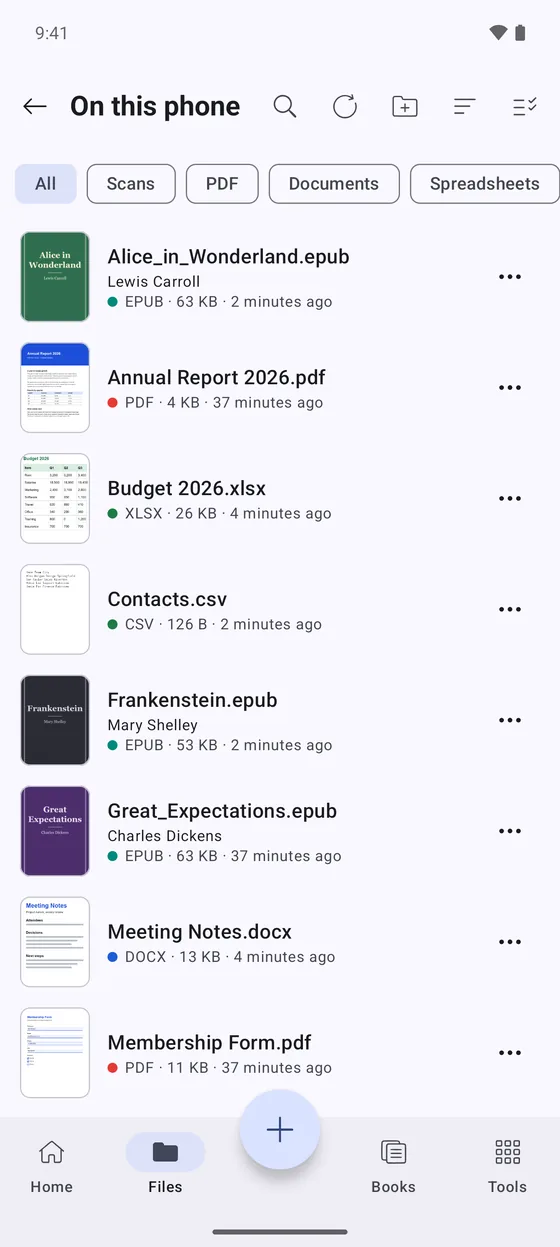
Type the end of a file name, or tap one, and see what Docara does with it.
02
The camera finds the sheet by itself. Drag the corners to see how a crooked photo becomes a straight page.
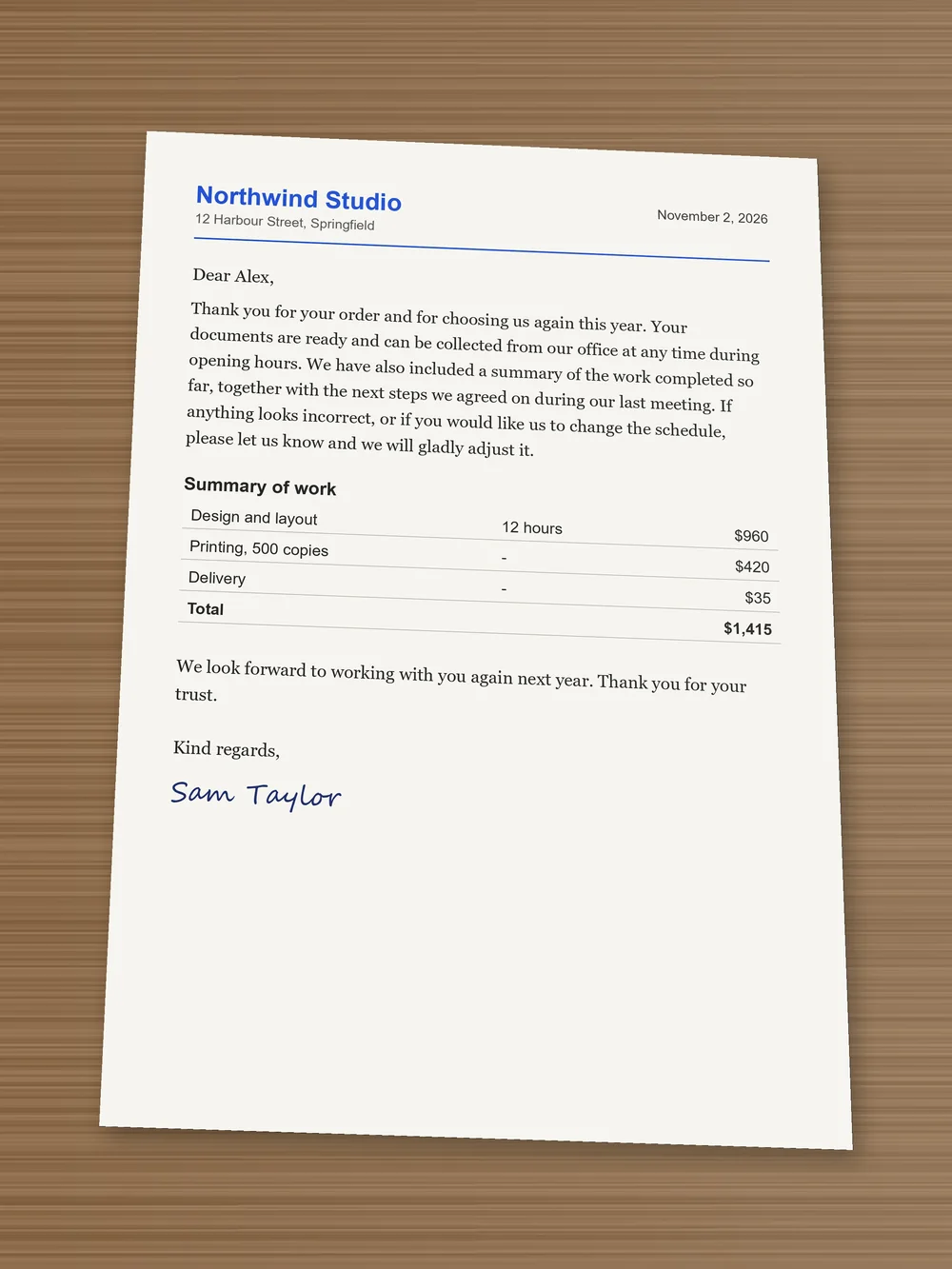
The blue outline is what Docara's page finder really returns for this photo. It runs on the phone, with no upload.
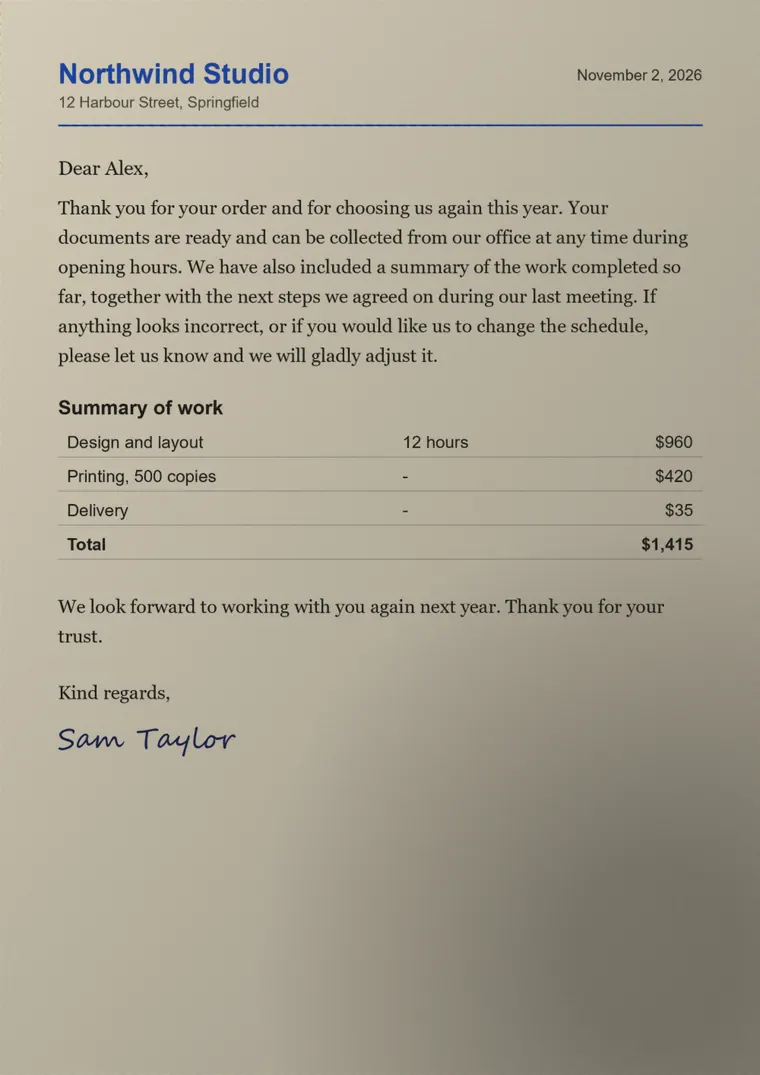
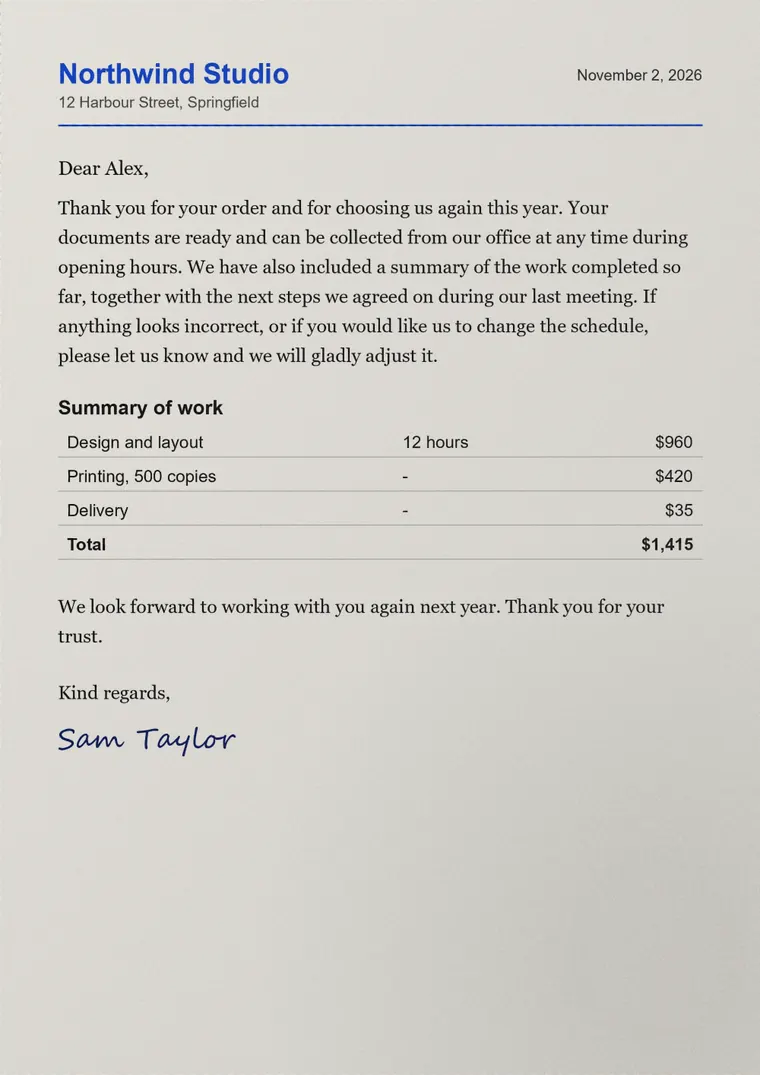
These are real results from Docara's filters on one photo with warm light and a shadow. Pull the handle to compare with the photo.
03
Recognition runs on the phone. Copy the result, or save it as Word, PDF, Markdown or an e-book.
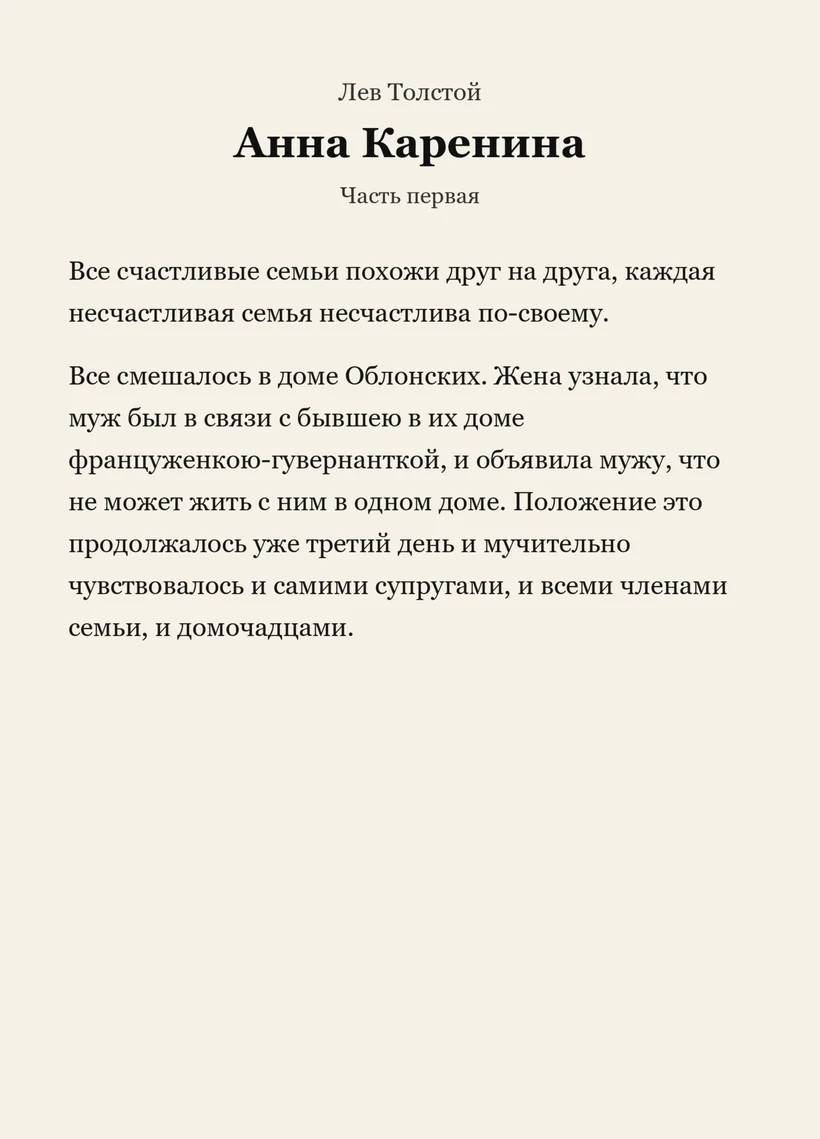
Sample: Tolstoy, public domain.
04
Change the paper, the font and the size. Tap a sentence to mark it, write a note, then find it again.
Pride and Prejudice
Chapter 1
05
Open a Word file as real pages with its margins, tables and page numbers, or as plain text that fits the screen. Pages and line breaks stay very close to Word's own. One tap on the pencil and you are editing a copy; your original stays as it was.
Weekly review, November 2026
The team agreed to move the launch to the second week of March, which leaves enough time for testing and for the final review of the printed materials.
| Task | Owner | Due |
|---|---|---|
| Updated schedule | Sam | Monday |
| Pilot feedback | Alex | Friday |
| Venue and budget | Robin | March 3 |
The next meeting takes place on Thursday at ten in the morning.
This table really calculates. Change a quantity, or write your own formula such as =SUM(D2:D4)*1.2. The app has a much bigger set of functions.
06
Shoot both sides of a card and print them on one sheet at their real size. Sign with your finger.
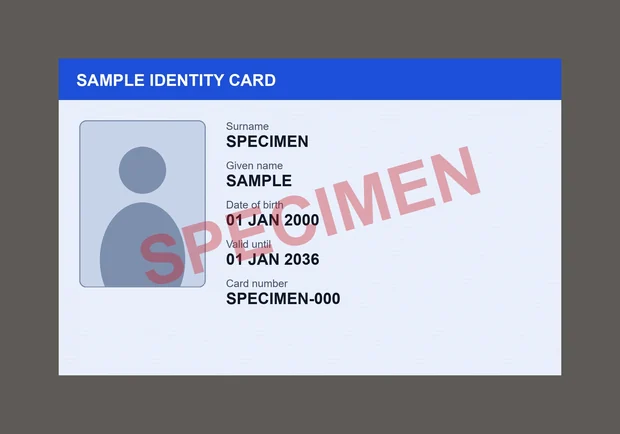
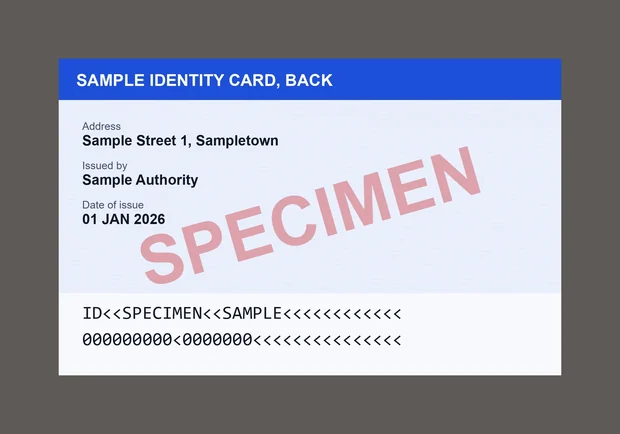
Specimen card, made up for this demo.
Membership form
Full nameAlex Morgan
CitySpringfield
Signature
07
No account, no cloud of ours, no server that ever sees your files. Turn the connection off and see what still works.
Google's on-device scanner and barcode components may download once, after the app is installed or the first time they are used. The free version loads ads when it has a connection, including when the app opens; without one, your documents are not affected. Ads never see your files. Read the privacy policy.
08
09
Yes. The free version shows ads at some moments, such as before sharing a file. Watching one short ad unlocks the premium features for the rest of the day.
No. There is nothing to sign up for.
No. Reading, scanning, text recognition and editing run on your phone, and we have no server that receives your documents. Files leave the app only when you share or export them yourself.
Very close. In print layout, pages, tables and line breaks follow Word's own closely, helped by fonts made to match Word's widths. Unusual fonts, EMF pictures and charts can differ.
No. Editing works on a copy, and saving makes a new file. Complex Word layouts can lose some formatting in the copy, so your original is always kept.
Not yet. Docara is for Android phones and tablets.